




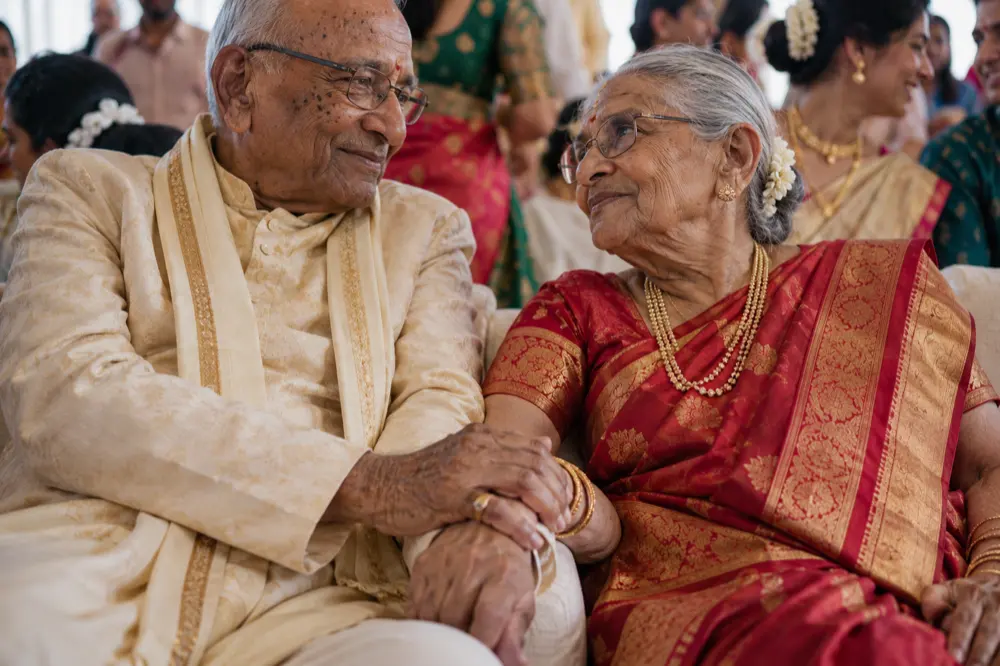
Your photos stay on your drive
Foselo links to your originals and copies nothing. Only previews go online, and only when you share.
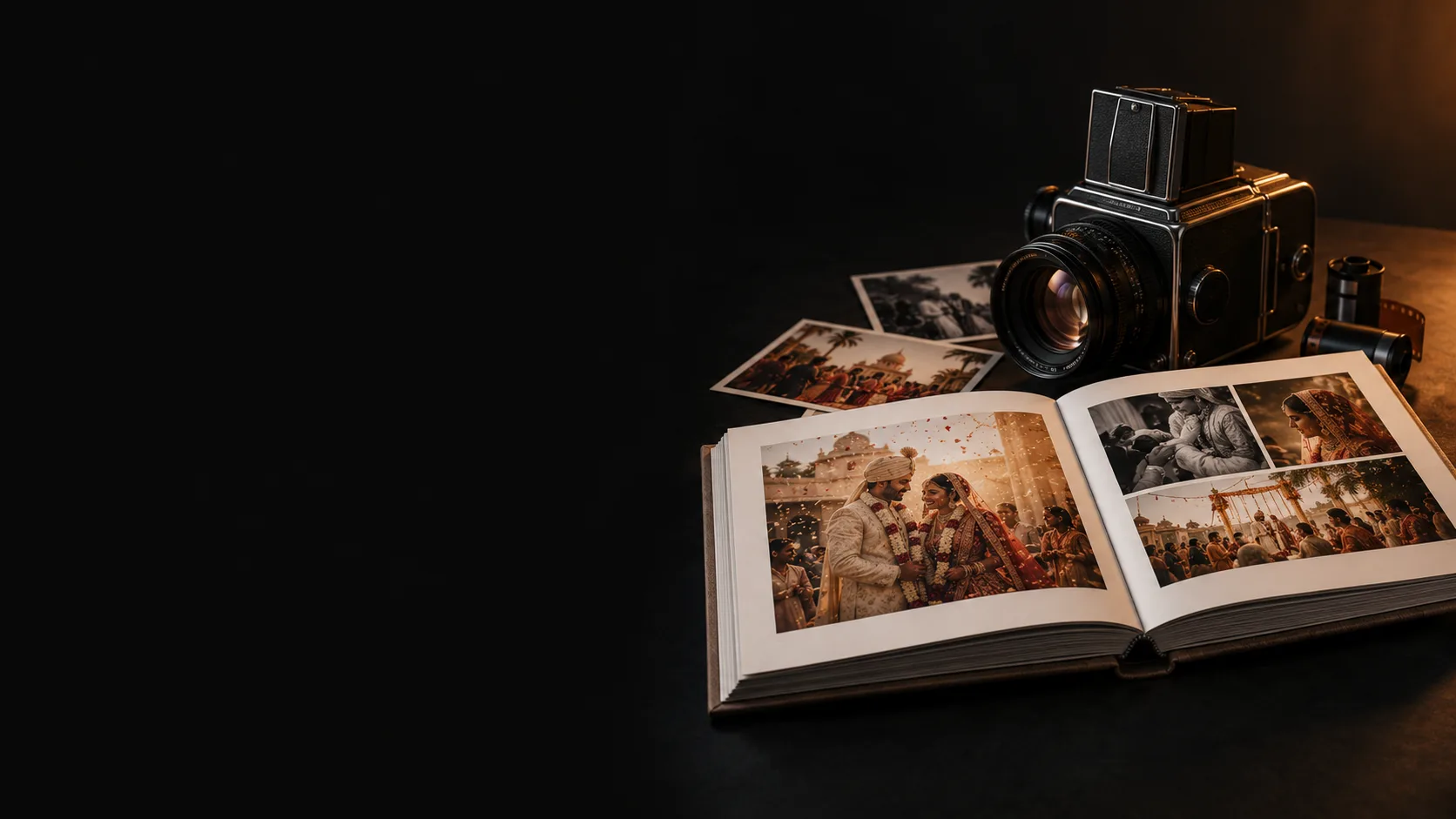
Couples pick on their phone. You design on your Mac. The lab gets a checked, print-ready file.
None of this is photography. Foselo takes it off your desk.
Choose the photos, set how many they can pick, and email the couple. Their link opens with a six-digit code. No account, no app.
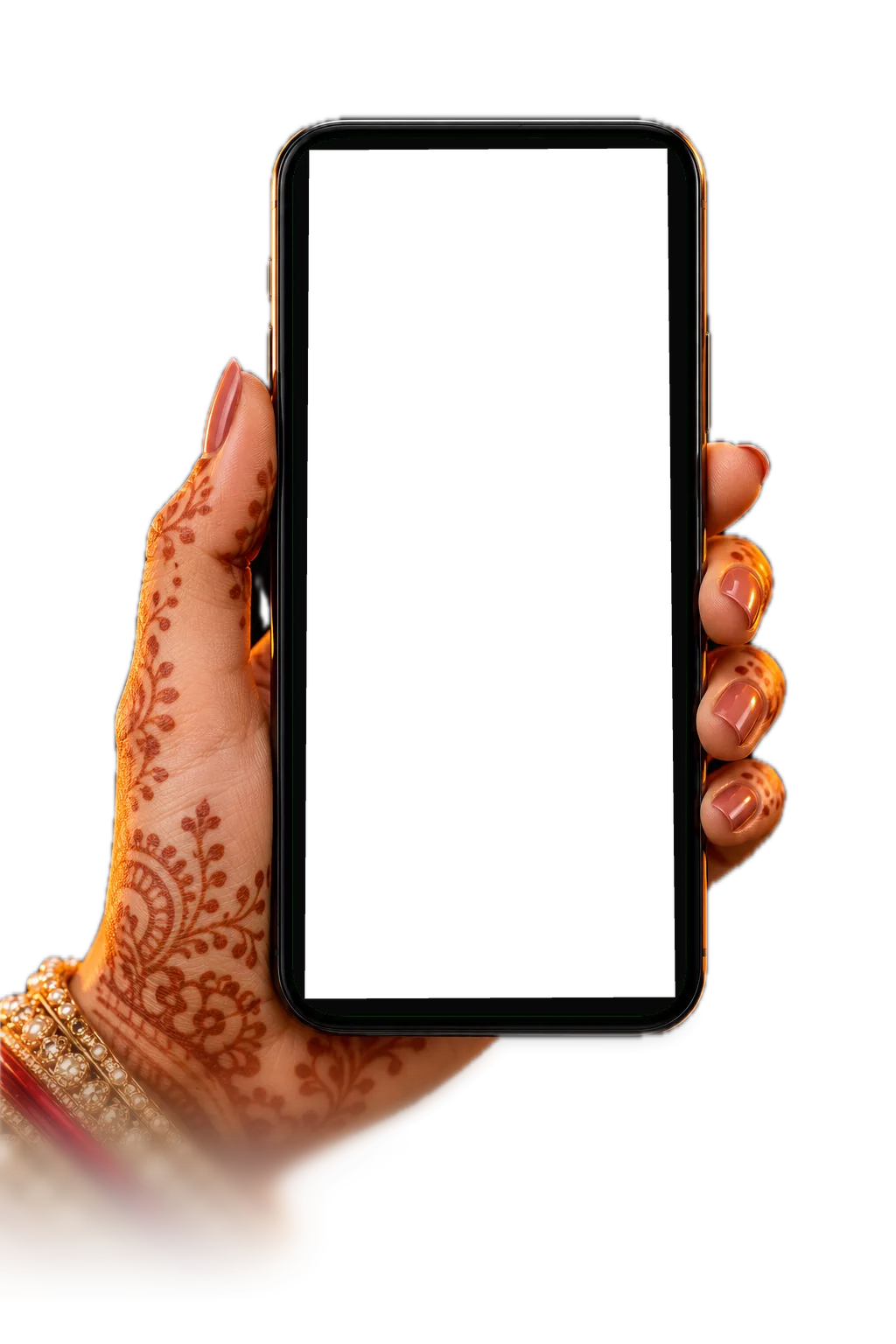
They go through the wedding event by event, on any phone. Every pick saves as they tap. The whole family can sit together and decide. One person sends the final picks.
Their picks land in your album tray. Auto-build lays out a first draft, with crops that respect faces. Every layout stays yours to change.
Share an online proof. They leave notes on the exact spread and approve one version. Change the album, and the approval doesn't carry over.
Checks run before you export. Send PDF, JPEG or layered PSD with bleed, plus a manifest of exactly what went out.

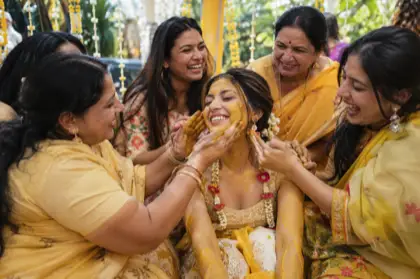
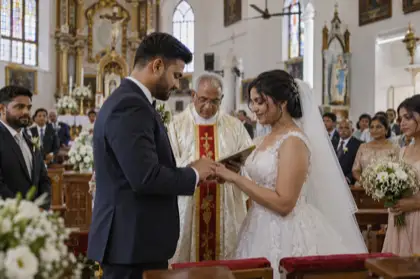
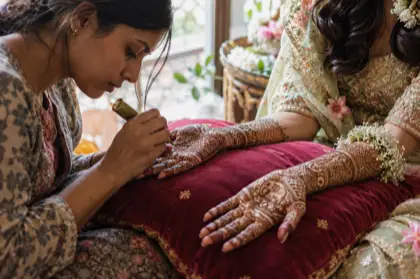
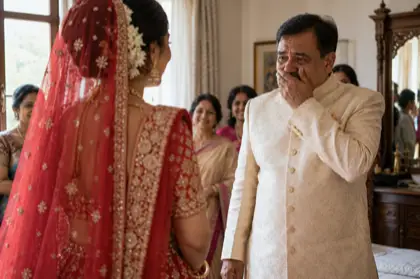
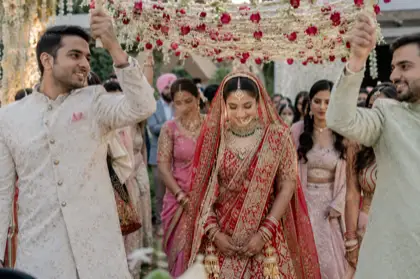
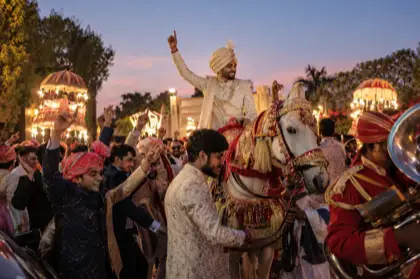
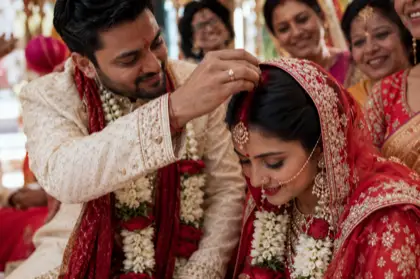
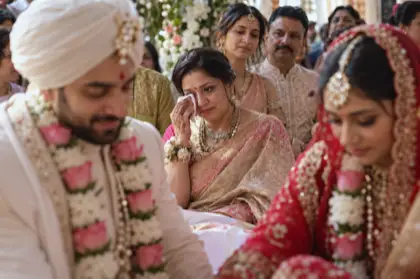
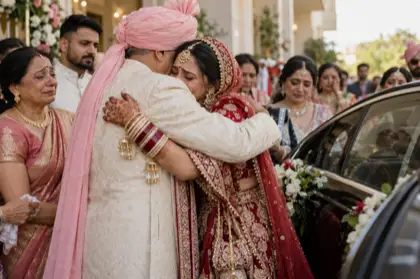
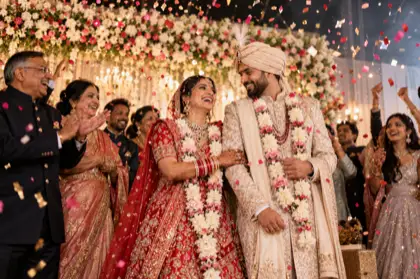
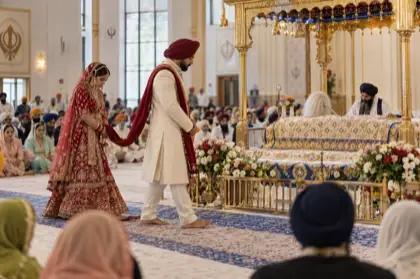
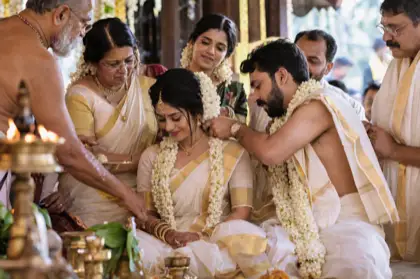
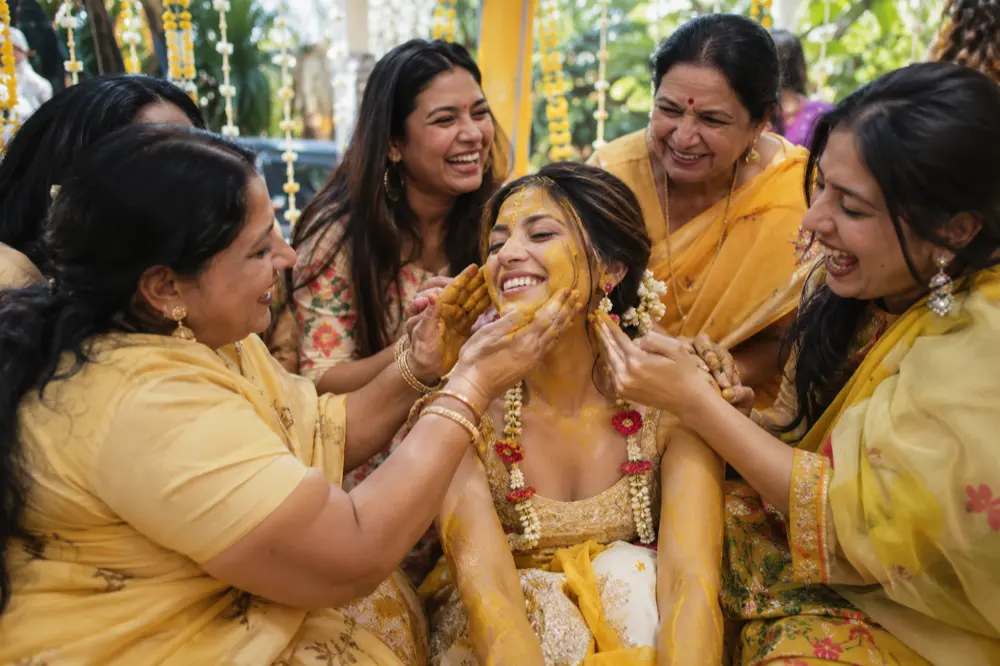
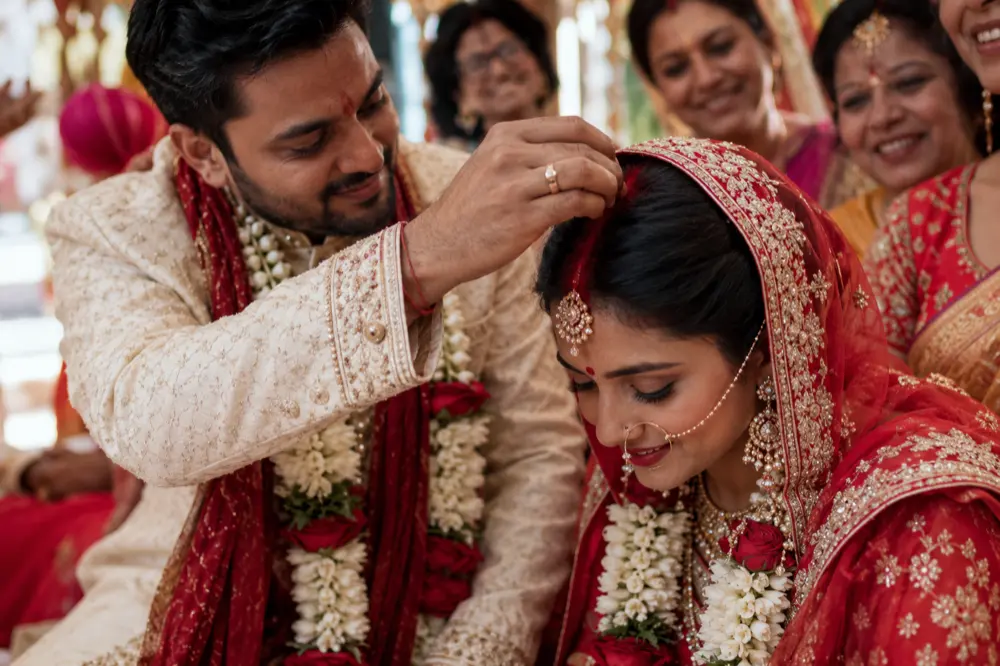
They see their wedding, full-screen, on their phone. Haldi to Reception, one event at a time. Close it, come back, and every pick is still there.
Foselo links to your originals and copies nothing. Only previews go online, and only when you share.
An empty album becomes a first draft from the couple's picks.
Layouts fill around people, and the checks warn you when a face lands in the gutter.
Looks, Auto, grading wheels and a colour picker. Your originals stay untouched.
Import from Lightroom or Photoshop. Each edit attaches to its original as a version.
Flush mount, matted, press printed and single page, in lab sizes from 6x8 to 18x12.
Up to five people, with roles, an activity feed and a bell when picks come in.
Design with no connection at all. You only need the internet to share.
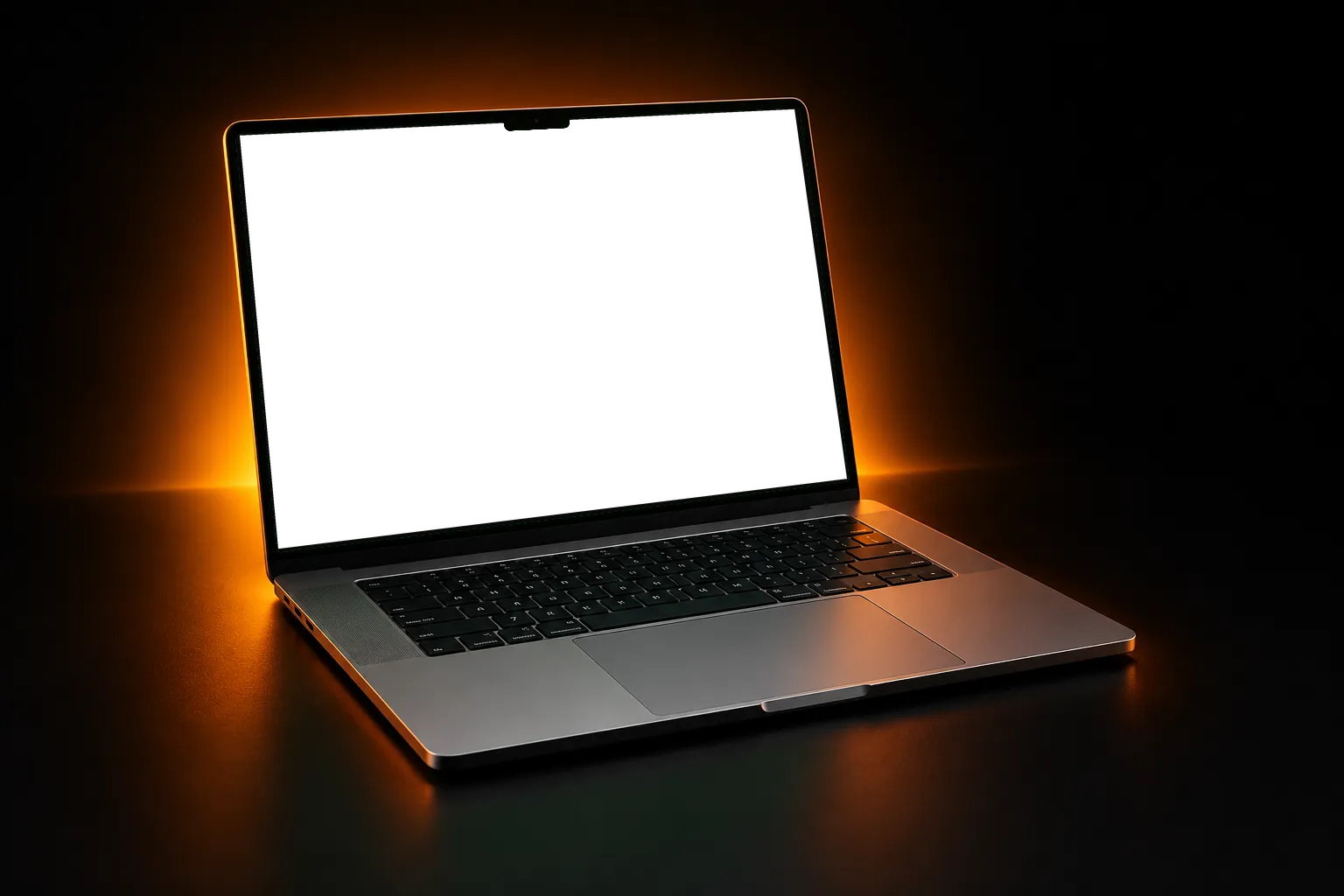
Your full-resolution files stay on your Mac. Couples see previews behind a link and a code, and you can revoke access at any time, though a photo or file link already issued can last up to an hour. Every approval is on record.
From ₹750 a month, billed yearly. Try it free for 30 days, no card.
Not yet. The design app is for Mac. Your couples can use any phone or browser.
No. They open the link you send and enter a six-digit code from their email.
Yes. Everyone can sit together on the one link and decide. One person sends the final picks.
Only what you choose to share. Previews go online for selection and proofs, and print files go online when you send them through a delivery link. Your originals stay on your Mac.
Any lab that accepts PDF, JPEG or PSD. Sizes include the common Indian formats. For a 12x36 open spread, choose 18 x 12 in pages.
JPEG, PNG, WebP and TIFF, on the Mac. HEIC and RAW files aren't supported, so export those first.
Yes. Send picks to your editor, then import the finished files. Foselo matches each one to its original and flags any it can't match.
30 days free. No card.
Download for Mac